Technology plays a crucial role in our daily lives in today’s fast-paced world. Whether it’s a smartphone, laptop, or tablet, we rely on these devices for work, communication, and entertainment. However, buying brand-new gadgets isn’t always feasible, especially when budgets are tight. That’s where used technology comes in—a cost-effective alternative that can save money while meeting your needs.
But before you dive into the world of pre-owned devices, there are important factors to consider. In this article, we’ll explore 8 key considerations to help you make an informed decision when buying used technology.
8 Things to Consider Before Buying Used Technology
1. Is the Device Still Supported?
One of the most critical factors to consider is whether the device still receives software updates. Manufacturers often stop supporting older models, leaving them vulnerable to security threats. Without regular updates, your device could become a target for hackers.
Action Step: Check the manufacturer’s website to see how long the device will be supported. Opt for models that still receive security patches and software updates.
2. Device Age
The age of the device directly impacts its performance and longevity. While older models may be cheaper, they might not meet your needs in terms of speed, storage, or functionality.
Action Step: Research the release date of the device and compare it to newer models. Ask yourself if the older device will still perform the tasks you need it to.
3. Battery Health
Battery life is a major concern when buying used technology. Over time, batteries degrade, leading to shorter usage times and frequent charging.
Action Step: Ask the seller about the battery’s health or use diagnostic tools to check it yourself. Factor in the cost of a replacement battery if necessary.
4. Any Apparent Damage?
Visible damage, such as cracks, dents, or water stains, can indicate underlying issues. These defects may affect the device’s performance and lifespan.
Action Step: Inspect the device thoroughly for physical damage. If buying online, request detailed photos or a video demonstration.
5. Are All Accessories Available?
Missing accessories like chargers, cables, or cases can add to the overall cost of your purchase.
Action Step: Confirm that all essential accessories are included. If not, calculate the additional expenses before making a decision.
6. What’s the Return Policy?
A clear return policy is essential when buying used technology. It protects you in case the device doesn’t meet your expectations or has hidden issues.
Action Step: Review the seller’s return policy and warranty options. Opt for sellers who offer a reasonable return window.
7. What is the Cost?
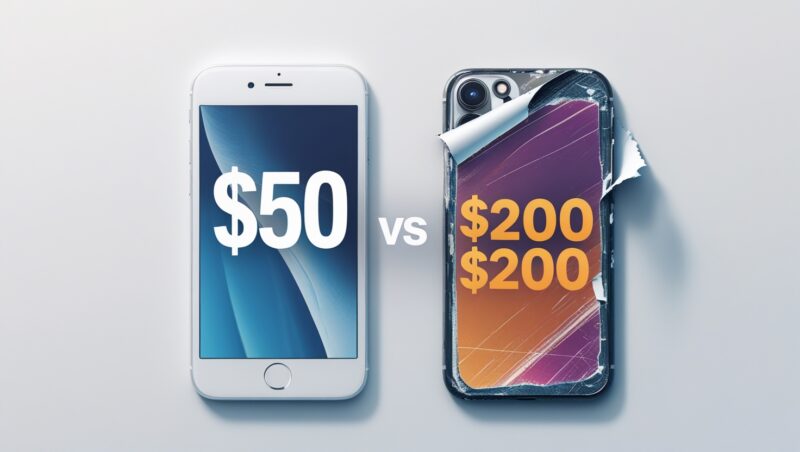
While used devices are generally cheaper, it’s important to compare prices with new and other used alternatives. Sometimes, the price difference between new and used isn’t significant enough to justify the risks.
Action Step: Research prices from multiple sellers and platforms. Ensure you’re getting the best deal without compromising on quality.
8. Is It Possible to Try Before You Buy?
Testing the device before purchasing is the best way to ensure it meets your expectations.
Action Step: If buying locally, arrange to meet the seller and test the device in person. For online purchases, request a video demonstration to verify its functionality.

Key Takeaways:
Check for Software Support: Ensure the device still receives updates to protect against security threats.
Evaluate Device Age: Older models may not meet your performance needs.
Assess Battery Health: A degraded battery can lead to frequent charging and additional costs.
Inspect for Damage: Visible defects may indicate deeper issues.
Verify Accessories: Missing items can increase the overall cost.
Understand the Return Policy: A clear policy protects you from unexpected issues.
Compare Prices: Ensure you’re getting the best deal by researching multiple sellers.
Test Before Buying: Whenever possible, try the device to confirm its functionality.
FAQ:
1. Is buying used technology safe?
Yes, if you take the necessary precautions, such as checking for software support, inspecting the device, and understanding the return policy.
2. How can I check the battery health of a used device?
Ask the seller for battery health information or use diagnostic tools available on the device.
3. What should I do if the device has visible damage?
Proceed with caution. Visible damage may indicate internal issues, so weigh the risks before purchasing.
4. Are used devices cheaper than new ones?
Generally, yes. However, always compare prices to ensure you’re getting a good deal.
5. Can I return a used device if it doesn’t work?
It depends on the seller’s return policy. Always review the terms before making a purchase.
Looking for reliable technology?
Contact Netpoint Solutions today! Our team can help you find high-quality, secure devices that meet your needs and budget.
Schedule a discovery call with us to learn more.