Hackers Are Using Legit Microsoft Tools to Steal Your Login Details
If you think you or your team would never fall for a phishing scam, think again.
Cyber criminals are now using legitimate Microsoft platforms like Dynamics 365 Customer Voice to launch highly convincing phishing attacks—and they’re catching out even the most tech-savvy employees across Huddersfield, Leeds, Manchester, Wakefield, Halifax, and Yorkshire.
These attacks are especially dangerous because they use real Microsoft infrastructure, bypassing traditional warning signs and creating a false sense of trust.
What’s Happening?
Researchers have discovered a new wave of phishing campaigns where attackers use compromised Microsoft 365 business accounts to send out fake survey invitations through Microsoft Dynamics 365 Customer Voice. 1
These emails usually reference:
EFT (Electronic Funds Transfer) Payment notifications
Settlement statements or overdue invoices
Actionable business items that sound urgent
Once clicked, the email leads to:
A legitimate-looking CAPTCHA page (to add credibility)
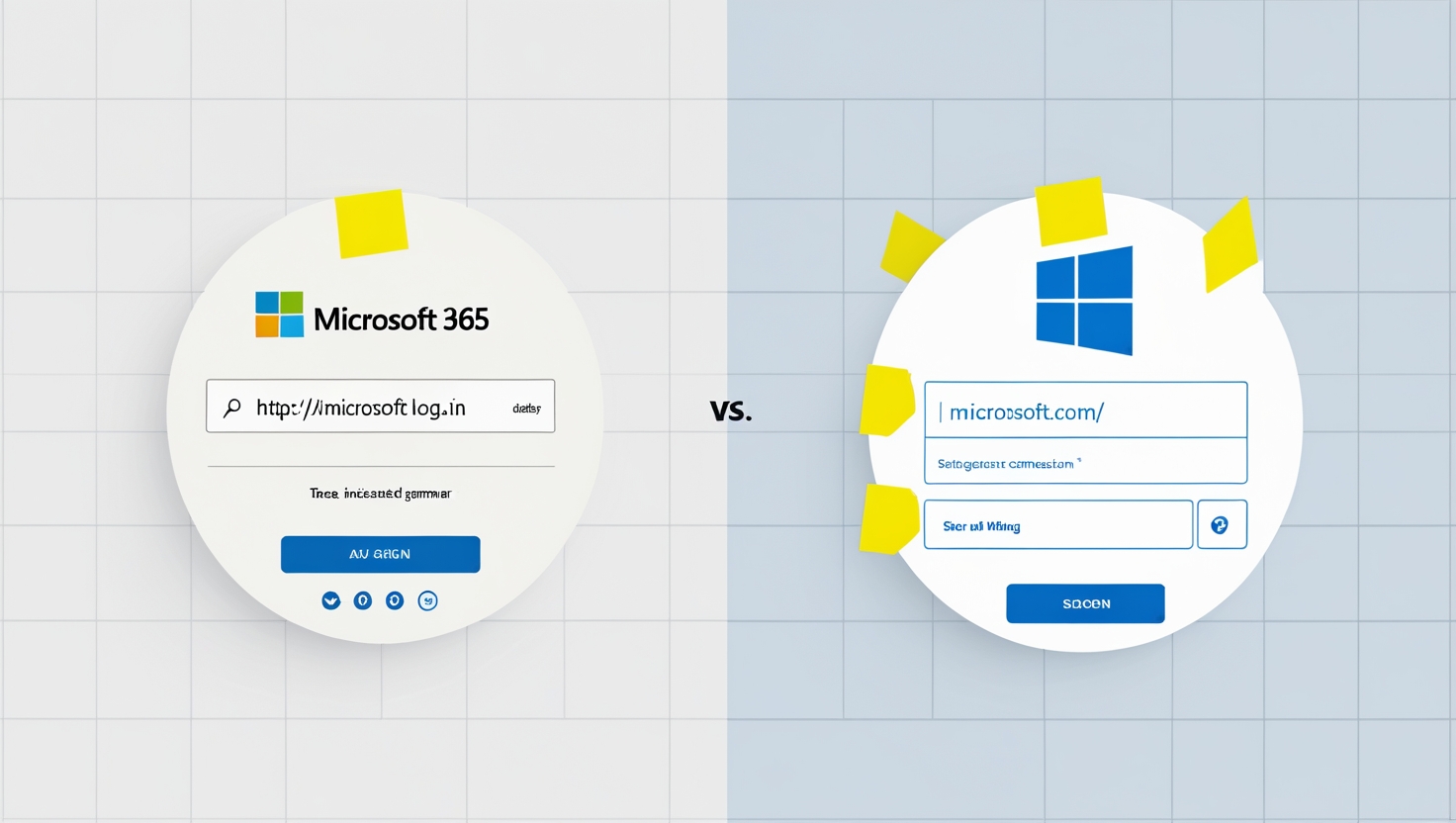
Then, a spoofed Microsoft 365 login page, asking for your:
Email address
Password
Multi-Factor Authentication (MFA) code
Yes, Even MFA Can Be Bypassed
You may assume MFA protects you. And usually, it does.
But in this case, attackers are actively monitoring in real-time, using your MFA code immediately after you enter it. That gives them full access to your Microsoft account before the code expires.
This is known as real-time phishing or MFA bypass phishing, and it’s one of the fastest-growing threats in 2024 and beyond. 2
Why This Is So Dangerous
This isn’t your typical typo-ridden email with a weird sender address. The emails:
✅ Come from real Microsoft domains
✅ Appears to come from colleagues or vendors (whose accounts were compromised)
✅ Use Microsoft tools like Customer Voice that half a million businesses trust, including members of the Fortune 500 3
Your users don’t stand a chance unless they know exactly what to look for.
How to Protect Your Business in Huddersfield & Beyond
Here’s how to keep your business safe from these sophisticated phishing scams:
1. Educate Your Team
Remind staff not to trust links just because they look professional. Train them to:
Double-check sender addresses
Avoid clicking links in unsolicited emails
Verify any payment or login request using internal channels (e.g., call, Teams)
2. Use Phishing-Resistant MFA
If possible, move away from SMS or code-based MFA. Use hardware tokens, biometric authentication, or passkeys, which are harder to intercept.
3. Implement Conditional Access & Session Monitoring
Microsoft 365 allows IT admins to set rules, such as:
Only allowing sign-ins from approved locations
Requiring reauthentication after unusual activity
Blocking known malicious IPs
✅ 4. Run Phishing Simulations & Awareness Training
We offer regular simulations to train your staff in spotting red flags in real-world scenarios.
5. Work with a Trusted Local IT Partner
As a business in Huddersfield, Leeds, or Manchester, you need a partner who understands both your tech and your environment. That’s where Netpoint Solutions comes in.

Key Takeaways
Hackers are using Microsoft tools like Dynamics 365 Customer Voice to run phishing campaigns
These scams use real Microsoft infrastructure, making them hard to detect
MFA alone may not stop them — real-time phishing tactics are evolving
Yorkshire businesses must combine training, technical controls, and trusted IT support to stay safe
Netpoint Solutions helps businesses across Huddersfield, Leeds, Manchester, and Yorkshire with all of the above
FAQs
1. What is Microsoft Dynamics 365 Customer Voice?
It’s a legitimate Microsoft service used to send surveys and feedback requests. Unfortunately, attackers are abusing it to send phishing emails that look authentic.
2. Can hackers bypass MFA?
Yes. Through real-time phishing, attackers can use the MFA code immediately after a victim enters it, before it expires.
3. Are these scams detectable by antivirus or firewalls?
Not always. Since they use Microsoft domains and tools, many security filters don’t block them.
4. How can my business stop this kind of attack?
Implement stronger access controls, use phishing-resistant MFA, and regularly train your team with realistic simulations.
5. What should I do if someone in my company falls for this?
Disconnect their device from the network immediately, change credentials, revoke access tokens, and contact a cybersecurity provider like Netpoint Solutions ASAP.
Protect Your Team Before It’s Too Late
This type of attack is clever, subtle, and rising fast, especially in SMEs that rely on Microsoft 365.
At Netpoint Solutions, we help local businesses across Huddersfield, Leeds, Wakefield, Manchester, Halifax, and Yorkshire stay protected through smart cybersecurity planning, user training, and Microsoft 365 hardening.
Book a free cybersecurity review today, and we’ll identify hidden risks and practical solutions tailored to your team.