The Vulnerability in Apple’s Security Shield
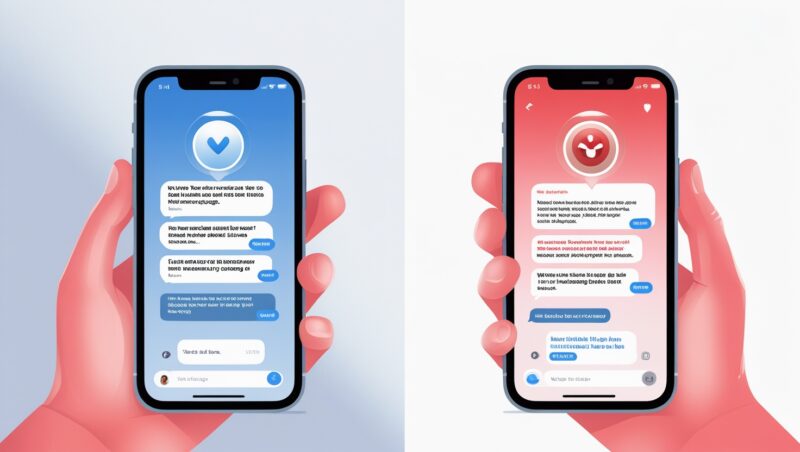
Security researchers have uncovered a dangerous exploit that allows cybercriminals to bypass Apple’s built-in iMessage phishing protections. This sophisticated attack method enables scammers to send malicious links that appear legitimate, putting millions of iPhone users at risk.

How the Exploit Works
- Link Manipulation: Attackers use special URL formatting techniques
- Protection Bypass: Tricks Apple’s security checks into approving malicious domains
- Deceptive Display: Shows a legitimate-looking domain while redirecting to phishing sites
- User Exploitation: Targets victims with fake login pages for Apple ID, banks, or other services
Why This Threat Matters
- Widespread Impact: Affects all iMessage users on iOS and macOS
- High Success Rate: Links appear trustworthy to both users and Apple’s filters
- Stealthy Approach: Doesn’t require jailbreaking or software vulnerabilities
- Growing Prevalence: Already being used in active phishing campaigns
7 Critical Protection Measures
- Never Trust Links Blindly:
- Even if a link appears to be from a known contact
- Verify through alternative communication channels
- Enable Advanced Protection:
- Turn on “Filter Unknown Senders” in iMessage settings
- Keep “Safety Check” features enabled
- Use Apple’s Built-in Tools:
- Enable two-factor authentication for Apple ID
- Regularly check “Sign in with Apple” settings
- Update Immediately:
- Install the latest iOS/macOS updates as soon as they are available
- Apple typically patches vulnerabilities quickly
- Alternative Verification:
- Type meaningful URLs manually instead of clicking links
- Use bookmark folders for frequently visited sites
- Security Software:
- Consider reputable mobile security apps
- Enable real-time phishing protection
- Education & Awareness:
- Train employees on sophisticated phishing tactics
- Conduct regular security awareness sessions
What to Do If You Click a Suspicious Link
- Disconnect from the internet immediately
- Change all passwords starting with Apple ID
- Enable fraud alerts with your bank
- Scan devices for malware
- Report the message to Apple and forward to [email protected]
The Bigger Picture
This discovery highlights the ongoing cat-and-mouse game between tech companies and cybercriminals. As Apple works to patch this vulnerability, users must remain vigilant against increasingly sophisticated social engineering attacks.
Key Takeaways:
⚠️ Apple’s iMessage phishing protections can be bypassed
Affects all iOS and macOS users
Malicious links appear completely legitimate
️ Multiple layers of protection are essential
FAQ:
1. Is my iPhone currently vulnerable?
Yes, until Apple releases a patch, all devices are potentially at risk.
2. How can I identify these malicious links?
They often:
- Coming from unknown senders
- Create urgency (“Your account will be closed”)
- Mimic legitimate domains with slight variations
3. Does this affect SMS messages too?
No, this specific exploit only works through iMessage.
4. What’s the worst that can happen if I fall victim?
Attackers could gain access to:
- Your Apple ID
- Financial accounts
- Personal data
- Device control
5. When will Apple fix this?
While no official timeline exists, Apple typically responds quickly to such discoveries.
Concerned about your organization’s mobile security? Our cybersecurity experts can help implement:
- Advanced phishing protection
- Employee training programs
- Enterprise mobile device management
Contact us today for a free security consultation.